Plac for GTK4
Third-party Roon client application using GTK4 and GNOME widgets.
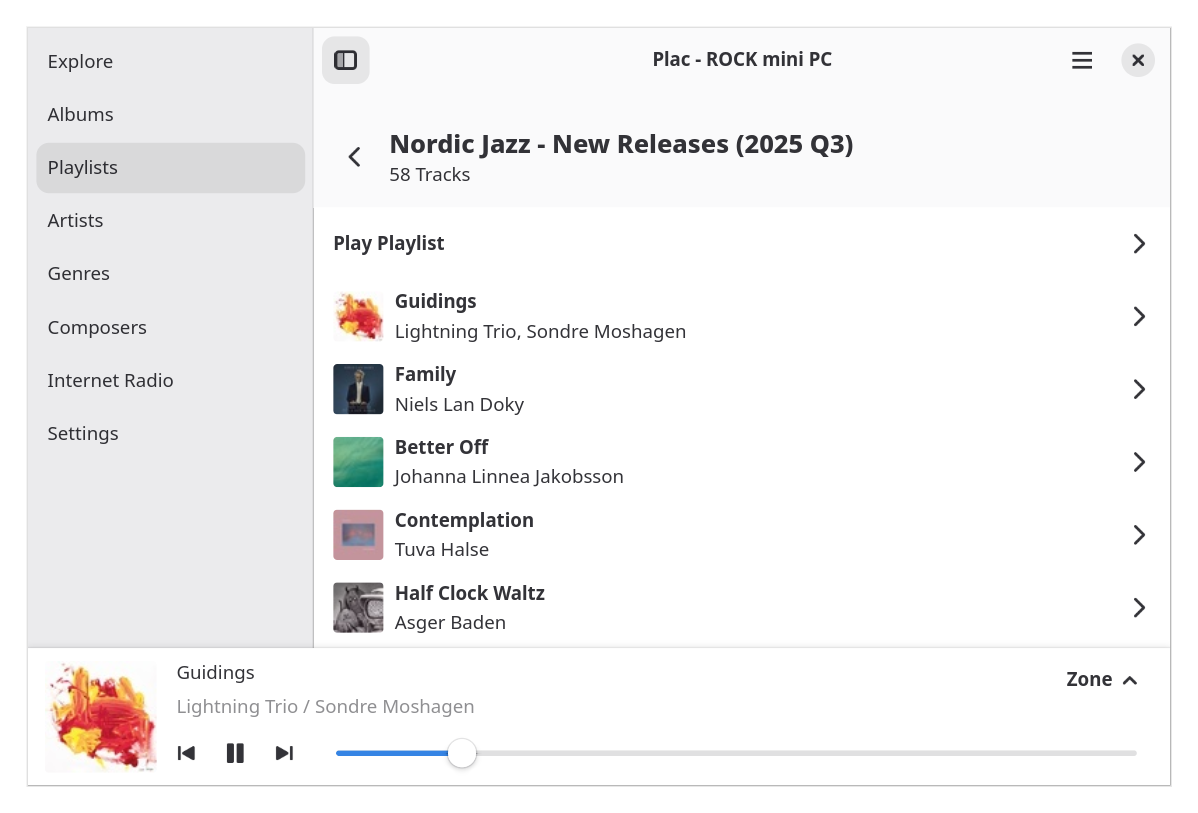
Installation
Flatpak
- Go to Releases page
- Download
jp.pocka.plac.gtk-adwaita.x86_64.flatpak - Install with
flatpak install --user <path to downloaded file>
Nix
Add this repository to Flake inputs then use packages.${system}.default in package list.
Home Manager
Add this repository to Flake inputs then import homeManagerModules.default.
{
  inputs = {
  # ...
    plac = {
      url = "git+https://codeberg.org/pocka/plac-for-gtk4.git";
      inputs.nixpkgs.follows = "nixpkgs";
    };
  };

  outputs = { home-manager, plac, ... }: {
    homeConfigurations = {
      foo = home-manager.lib.homeManagerConfiguration {
        modules = [ plac.homeManagerModules.default ];
      };
    };
  };
}
The module is enabled by default.
See flake.nix for available options.
Runtime Dependencies
- gtk4
- libadwaita
- libjpeg
- librsvg
- libgee
- libsoup 3.x
License
This project is licensed under Apache-2.0 License. This project contains asset files licensed under CC0-1.0.
Every file has REUSE annotation for copyright and license.
Development
System Dependencies
This project has flake.nix for development environment setup.
To start development shell, run:
nix develop
To develop without Nix Flakes, install these softwares manually:
- Zig compiler v0.16
- Vala compiler v0.56
- pkg-config
- Runtime dependencies
Running application
zig build run
Enable debug logging
Add Plac to G_MESSAGES_DEBUG environment variable:
G_MESSAGES_DEBUG=Plac zig build run
Code Formatting
This project uses dprint as a code formatter frontend. In addition to system dependencies, you need these formatter softwares:
- dprint
- Uncrustify
- nixfmt
After installing required softwares, you can format source code by:
dprint fmt
If you're using Nix, use can simply run nix fmt without installing anything.
Build Flatpak bundle
This project provides Zig build script for building Flatpak single-file bundle.
Enter nix develop .#flatpak or install flatpak and flatpak-builder, then run:
zig build flatpak
This will produce jp.pocka.plac.gtk-adwaita.flatpak inside zig-out directory.
License Checking
This project adheres to REUSE framework. You can check files have valid REUSE annotations by:
reuse lint